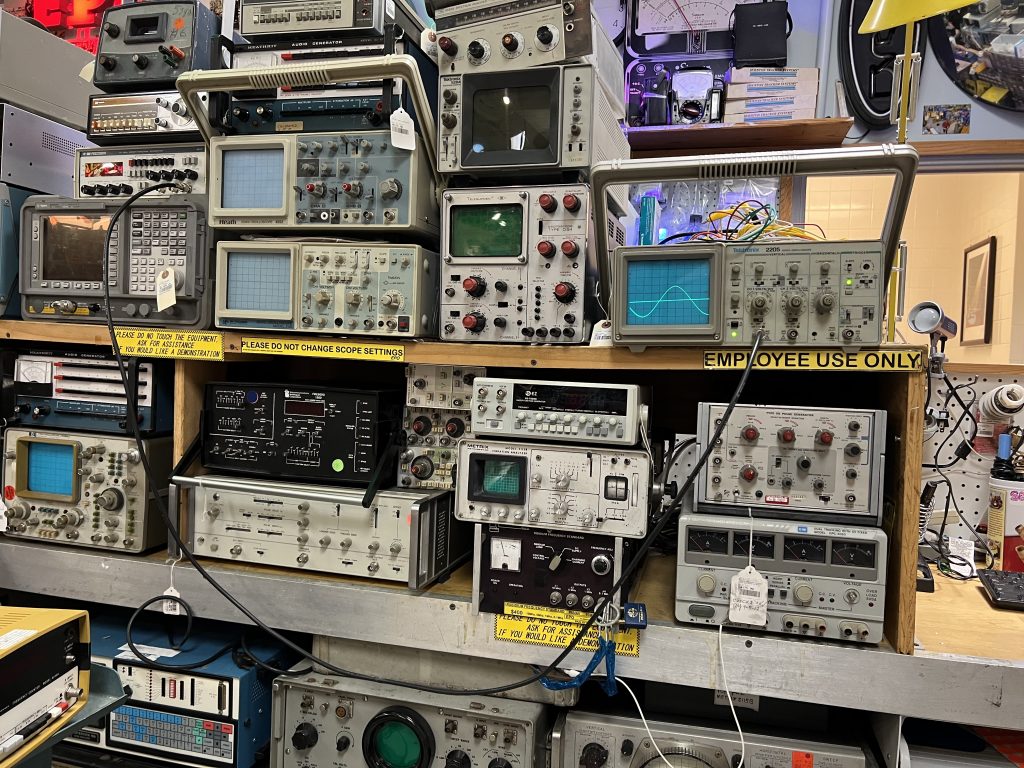
In Houston, the go-to place to snag hard-to-find electronic components has long been Electronic Parts Outlet. Founded in the mid-1980s, it’s legendary for its parts selection and for its inventory of vintage, even antique, tech. When I set out to do a story about it for the Houston Chronicle, I was amazed that no other media outlet had really covered it in depth.
And since I’ve been covering tech in Houston since the early 1990s, a big part of that is my fault.
I’m happy to correct that oversight with a story posted online today and scheduled to appear in Sunday’s business section.
As the story says, EPO is struggling. Hit with shifting consumer trends and natural disasters – Hurricane Harvey and the COVID-19 pandemic have dealt it body blows – foot traffic and sales are down. Co-owners Chris Macha and Rick Zamarripa are in, as Macha puts it, “survival mode.”
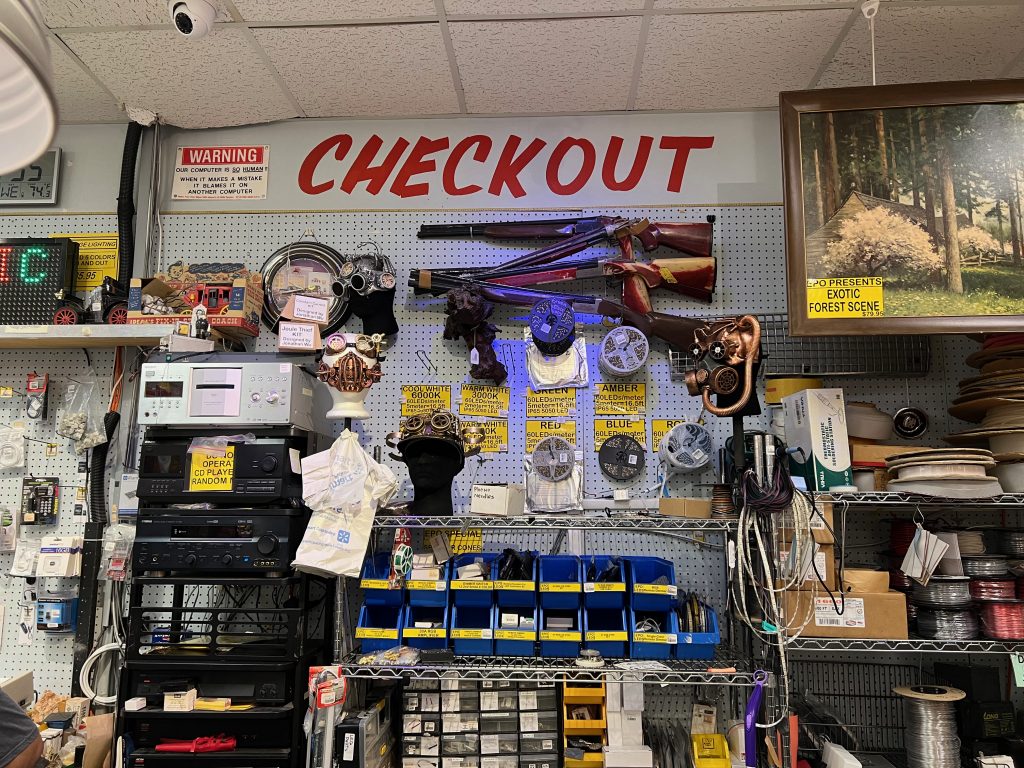
The view at the checkout lane. (Dwight Silverman photo)
The story I originally turned in was much longer than what was posted and will appear in print, as happens often. Here are some tidbits that got cut from the original:
Another store with the same name in Webster that co-existed for years with EPO was never affiliated with the store at Fondren and Lipan, which caused much confusion even among loyal and long-term customers. But Macha and Zamarripa did open a second store in the Willowbrook area that didn’t last long.
I spent a lot of time trying to track down and talk to the founders, Michele and Daniel Bretch, but was unsuccessful. They were last seen running the Industrial Country Market, a story with a similar aesthetic in Columbus. That store, however, was completely off-grid, generating its own electricity and collecting water from rains. It closed sometime around 2018.
The store has been helped out by customers who donate valuable, vintage tech to be sold. They come from estate sales and collectors who don’t ask for a cut – they just want EPO to survive.
Be sure and check out Chronicle photojournalist Karen Warren’s images in the story. She did a great job of capturing the store’s look and feel.
If you’ve not yet visited EPO, I’d urge you to do so. While Macha says he doesn’t want to close the store, he’s clearly in a fight for its survival. It’s a great place to find gifts for geeks, collectors and makers. Visit while you can.
Even though I’m kinda retired, I’m still doing some freelance writing. That’s what my resurrected Houston Chronicle column is, and I’ll also be writing occasional, standalone pieces for the paper. Since most of my writing has been for publications, I never spent much time building up an infrastructure for freelancing. Now, I’m fixing that, and I’ve come across a couple of products that help with that.
🎵 All of me, why not take all of me? 🎶
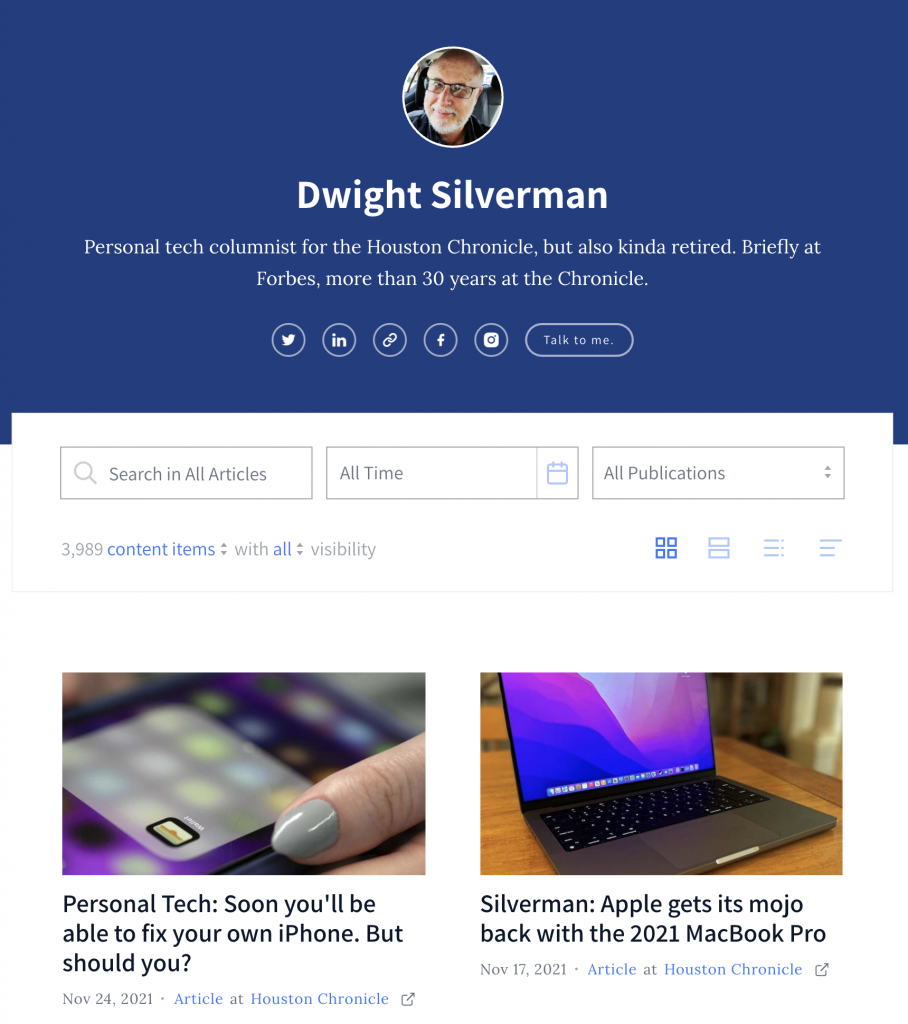
The first is Authory, a paid service that generates a portfolio by pulling your content from all the places it lives on the web and organizing it in an attractive, useful archive. You can then provide a publication you’re pitching a comprehensive look at your body of work.
While I’ve spent most of my full-time-employee status at the Chronicle, the paper’s online presence has multiple URLs. My stuff is the subscription-based HoustonChronicle.com, of course, but some of it also found at the free Chron.com. The latter has many of my older columns and tech stories, published before the paid site was launched. And there’s also my old TechBlog, which has its own unique URL. On top of that, I’ve written at Forbes, a little bit at Medium, and of course here on The Workaround.
There are other features that I have yet to dig into, including the ability to write on the Authory site; tracking your content’s social media performance; limiting who can see what items; build collections based on keywords or manual curation; and generate RSS feeds. People can also subscribe to a mailing list that alerts them when you have a new item in your profile.
There are no ads on the site, and all your content is available to anyone (unless you restrict it in some way), but it won’t get people past a site’s paywall. That said, when an Authory user clicks on an item on their own profile page, it comes up in a clean, ad-free reader view – which is part of a content backup Authory creates for you.
There’s a two-week free trial, which can be extended to four weeks if you tweet about Authory on Twitter. After that, it’s $10 a month or $8 a month if you pay for a year in advance. (If you review it, you’ll get a free year. I am not writing this for that purpose, and won’t accept a free year. It’s worth paying for!)
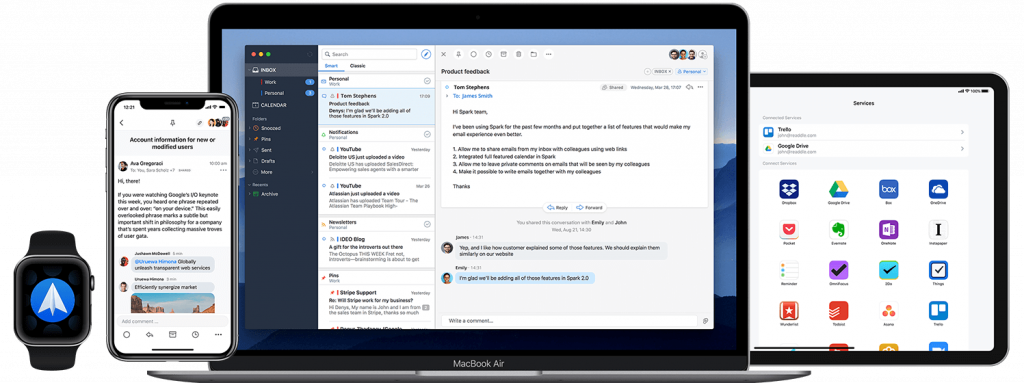
Spark is everywhere: iOS, Android, macOS … and soon, Windows.
When I was at the Chronicle as a staffer and at Forbes, I used Outlook for work email both on my Windows desktop at the office and my Macs at home and on the road. When I was no longer an employee, I lost access to the Outlook and was at the mercy of the Mail app on macOS. I’ve never cared for it, and relying on it day-to-day didn’t change my feelings.
An issue with a recurring password popup drove me to seek an alternative, and I found an excellent one in Spark, a free email app from Readdle, which makes productivity software. I’d tried Spark when it first launched and wasn’t that impressed, but it has greatly improved since.
Spark falls into the simple-but-powerful category. It’s fast, intuitive and can handle almost any email format, including Microsoft Exchange (which I don’t need at the moment, but it’s good to know it’s there). Besides Exchange, it also supports Gmail, Outlook.com, Office 365, iCloud, Yahoo, Kerio and IMAP email servers.
The app is available for macOS, iOS and Android, and a Windows version is in the works. Its cross-platform nature is an added bonus because it’s remarkably easy to set up the software on a new device, particularly if you have a boatload of inboxes, as I do. Once you have all your accounts established in Spark on one device, all you need to do after installing the app on another is to log in to your primary account, and all the others are automagically added. Sweet!
As do most modern email clients, Spark uses AI to emphasize important emails over those that are less critical. But if you want to see your inbox in pure chronological order, you can turn that off (which I do). Unfortunately, the default workflow is a unified inbox, and while you can’t turn it off completely, you can display all your inboxes in the the left sidebar of the app. With nine email accounts, I’d rather they not all be merged into one.
Spark’s layout looks a lot like Outlook and the Mac’s Mail app, but leaner. The left sidebar has your mal accounts and folders; the middle are the headers and summaries of your mail; and the right pane is a full-sized reader.
As do a lot of email clients, you can create templates for canned responses, schedule email and “snooze” emails you want to get back to later. You can also set reminders to reply to mail that you can’t get to right away. And if a communique doesn’t really require a full response, there are social-media-like responses and emojis you can employ.
Spark integrates with calendars and a slew of online services, including Zoom, Microsoft OneNote, Evernote, Trello, GoToMeeting and more.
Spark also has some collaboration features and the ability to create Teams to work jointly with email, but the number of participants is limited on the free version. You get more capabilities and more shared users for $7.99 a month or $6.99 a month billed yearly. But for most individual users, the free version is an excellent alternative to Outlook or the Mail app.
Update 11.29.21: In a conversation on Twitter this morning, the offical @SparkMailApp account let me know that the Windows version will actually be “a brand new desktop app” for both Windows and Mac.
Actually, it will be a brand new Desktop app for both Mac and Windows. It has been in the works for almost two years and I hope you are going to love it 🤩
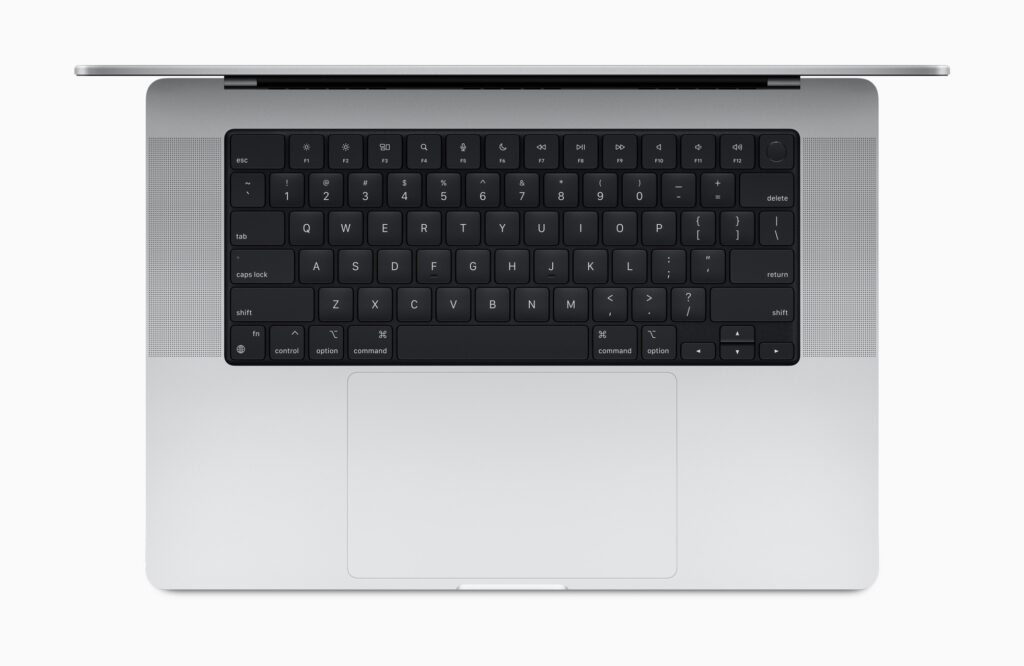
The second of my resumed Houston Chronicle columns was posted today, and it’s a look at the Apple’s redesigned MacBook Pro line of notebooks. Sure, the beefed up versions of the already muscular M1 processor – the M1 Pro and M1 Max (what, no Pro Max??) – are the stars of the show, but for me the rollback of the minimalist 2016 MacBook Pro design is just as important.
As I wrote, Apple restored key ports that it stripped out five years ago, including the HDMI port, memory card slot and MagSafe, the magnetic charging connection. In the column, veteran tech analyst Tim Bajarin recounts a meeting with Steve Jobs in the late 1990s that pertains to Apple’s decision in 2021.
I love the redesign – and promptly ordered a new one to replace my 2014 MacBook Pro – but there’s something that’s been removed that makes me just a tad sad. Gone is the thin touchscreen that had replaced physical function keys at the top of the keyboard. The Touch Bar changed depending on what app was being used. It was a pretty divisive feature, and I suspect most MacBook Pro users either hated it or never used it.
While the MBP I own didn’t have it, I found it really useful when I reviewed or worked with newer models. I particularly liked the way the Photos app worked with it, how easy it made adjusting screen brightness and volume levels.
I was hoping that the Touch Bar would still be offered as an option, but no. Apple has replaced it with full-height function keys, with should make keyboard purists very happy. But I had been hoping my next MacBook Pro would have a Touch Bar, and now those dreams are dashed.
Oh well, at least I’ll have a notch at the top of my screen. There’s always that.
It turns out that I am not very good at not working.
I’ve returned to writing a weekly personal tech column at the Houston Chronicle, and the first one dropped online today. It will appear in print on Thursdays on the front of the Business section.
The initial installment is about the Facebook dilemma: It’s a despicable platform, but it’s also an essential one, for very mundane reasons. For all its sins and transgressions – and they are legion and awful – it’s an online drug that’s hard to quit.
The benefit to being a freelancer is that my time is my own, so I still consider myself “kinda” retired. But you may see other work in other venues. I’ll alert you here as my empire expands.
Just don’t click that Music app and try to play a song, mmmkay?
[See the bottom of this post for details on the fix for this issue.]
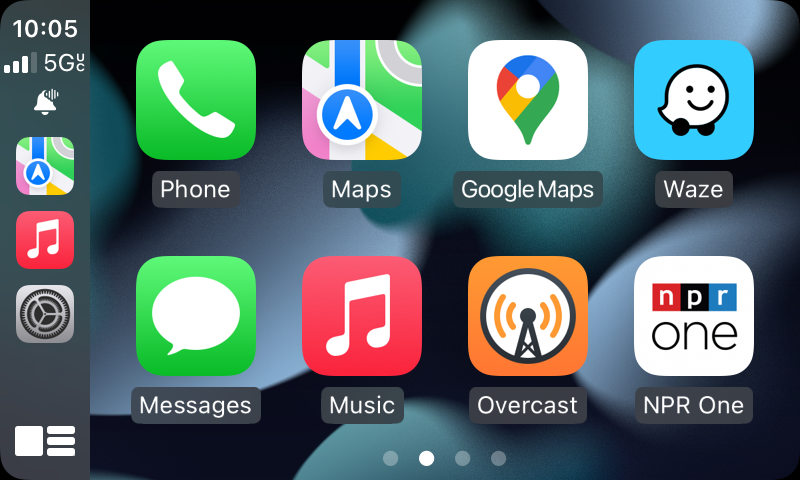
Apple’s iPhone 13 Pro Max is a beast of a smartphone, but as is often the case with a new hardware release, there are bugs. And if you’re a user of CarPlay – which lets you display and interact with some iPhone apps in your vehicle’s infotainment display – this one will drive you mad.
Owners of new iPhone 13 models are finding that CarPlay crashes when they try to play a song in the Music app. All of the other apps seem to work just fine – with an exception I’ll discuss in a moment. References to the issue on Twitter and in support forums seem to focus on the Pro models, but I’ve also seen owners of the standard iPhone 13 and the mini complaining about CarPlay crashes.
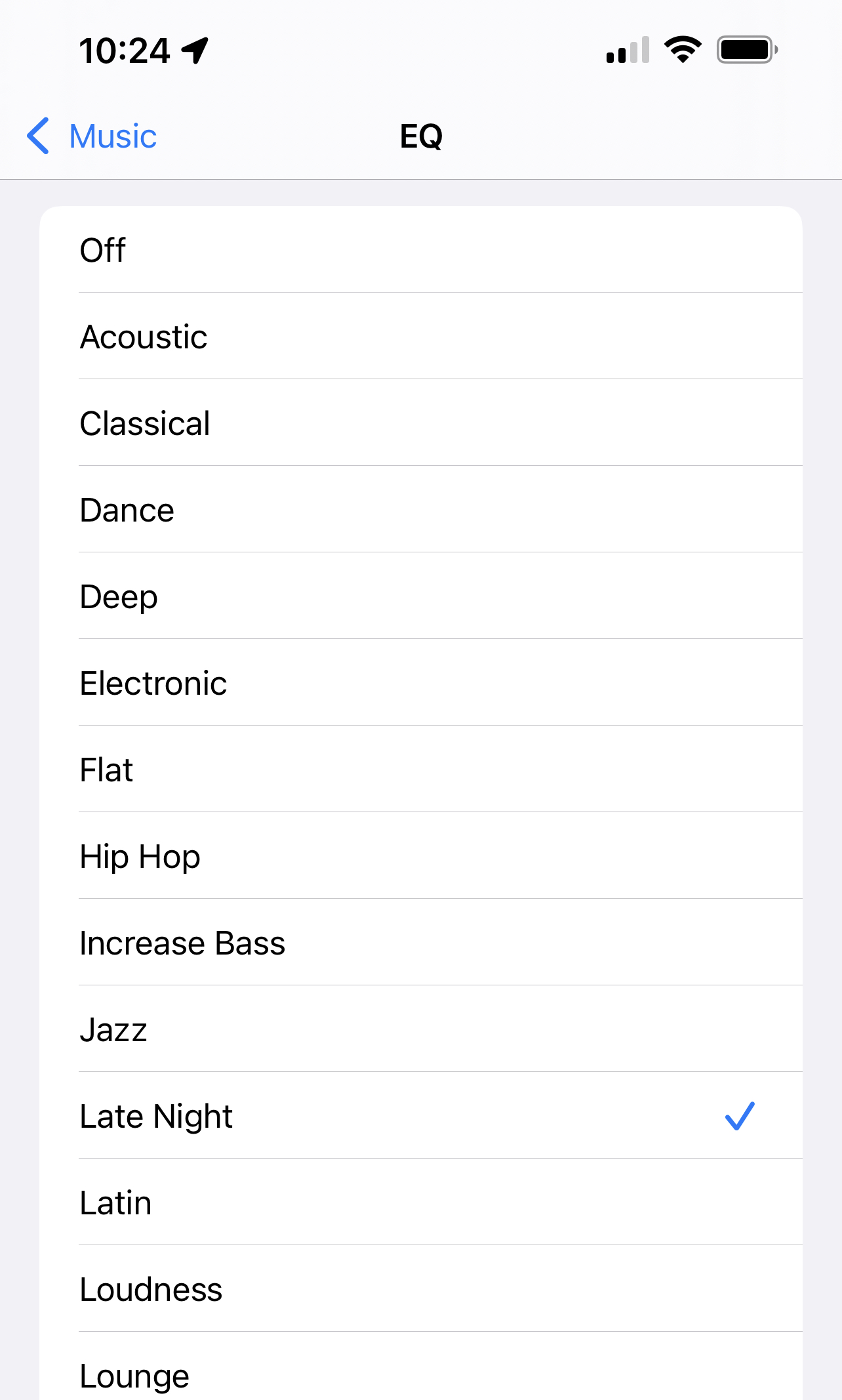
Fortunately, the fix is a relatively easy one. Chances are, if you’re experiencing this, you have the Late Night setting in the Music app’s equalizer, or EQ, turned on. Go into Settings > Music > EQ and select any other setting besides Late Night, or just turn EQ off. After that, the Music app should be play songs without crashing CarPlay.
Change to a different setting, or turn EQ off completely, to prevent CarPlay crashes on your iPhone 13.
Why does Late Night do this? It’s unclear, but this setting is different from all the others in the EQ feature. When you turn Late Night on while a song is playing, the audio briefly stops, then returns sounding louder and brighter. It’s the only EQ setting with this behavior. It apparently compresses audio so louder sounds are turned down and quieter ones are turned up.
In addition, it is the only EQ setting that applies to other audio and video apps. And that’s why some Spotify, Amazon Music and YouTube Music users were also complaining of CarPlay crashes with their new iPhone 13s. Switching to a different setting or turning off EQ completely also fixes their crashes.
Update 10/1/2021: Apple has released iOS 15.0.1. While it fixes the Face ID bug that prevents an Apple Watch from unlocking the iPhone of a Face ID user wearing a mask, it does NOT fix the CarPlay crash bug.
Update 10/11/2021: An update released today fixes the CarPlay/EQ-Late Night problem. iOS 15.0.2 includes this patch:
CarPlay may fail to open audio apps or disconnect during playback
There are other important fixes, including for a variety of Find My issues; a problem with saved photos being deleted if the associated iMessage thread is deleted; and some security fixes, including for a 0-day flaw.