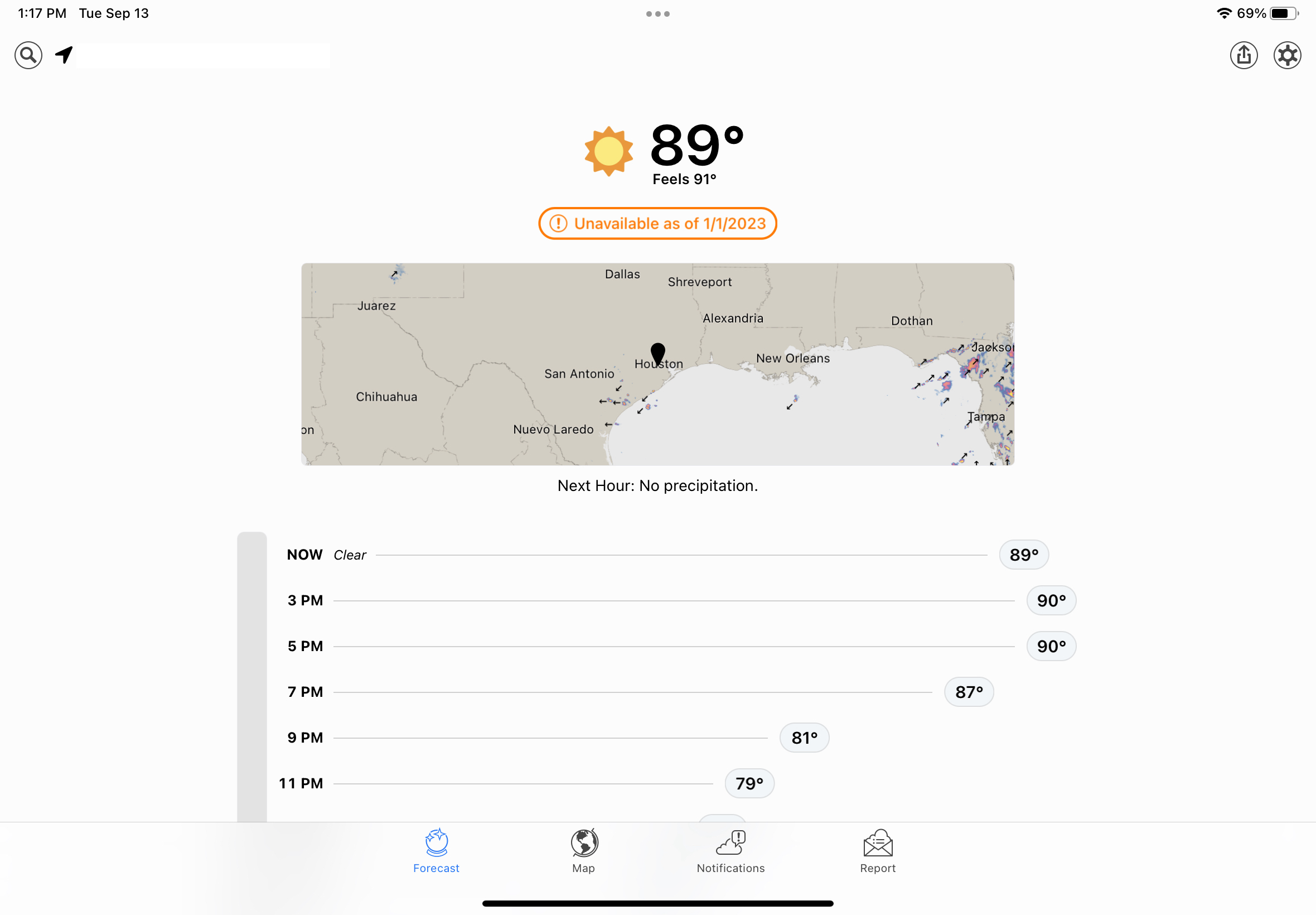
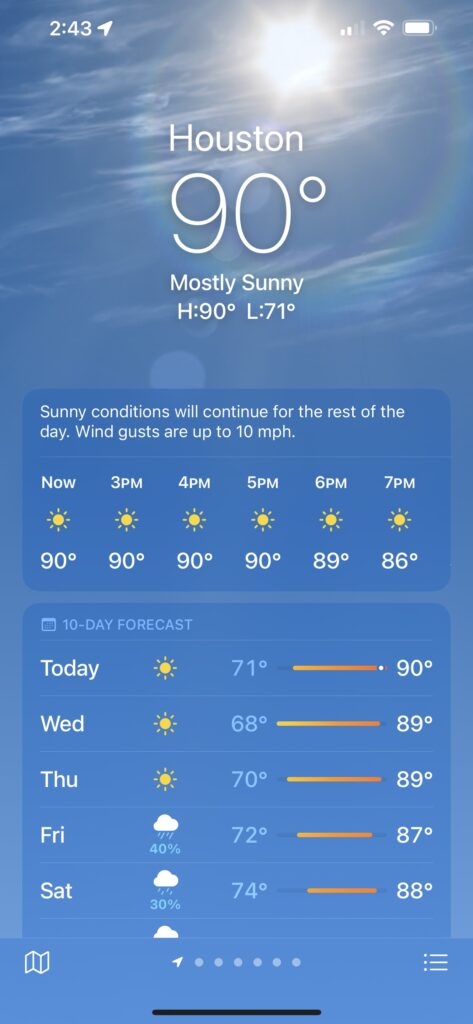
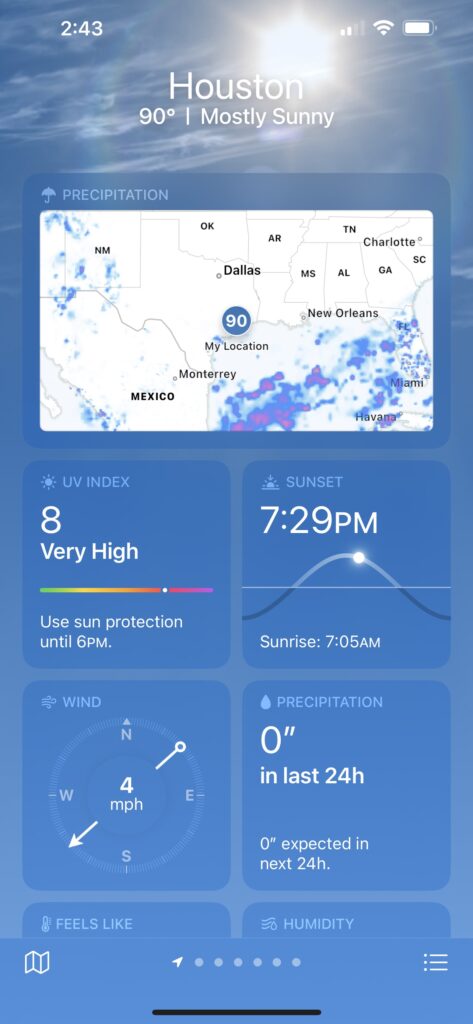
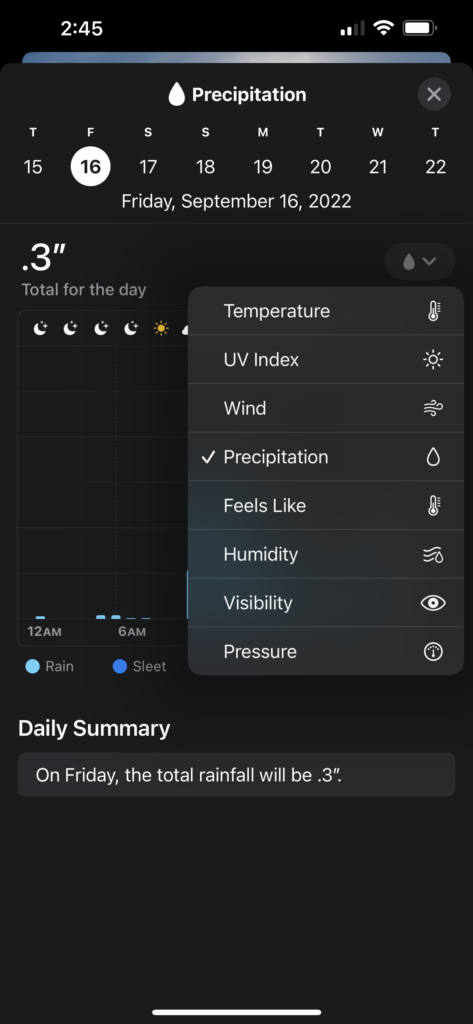
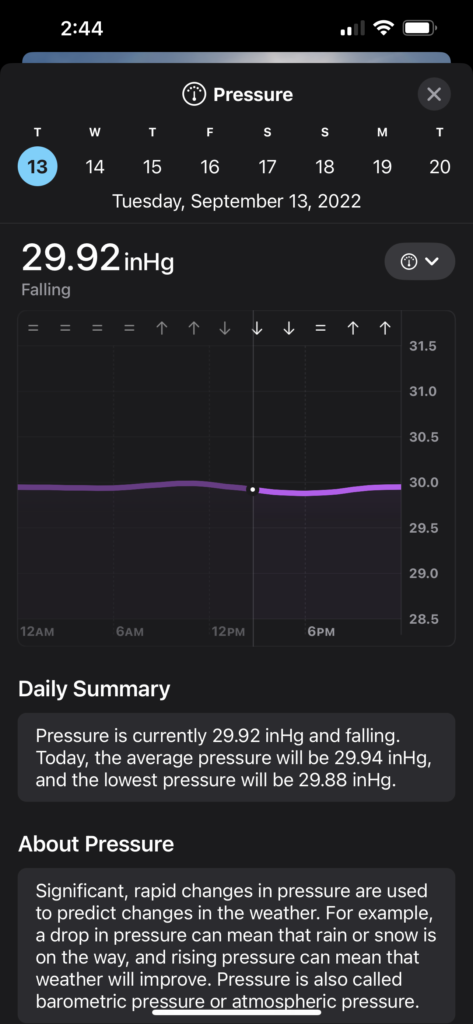
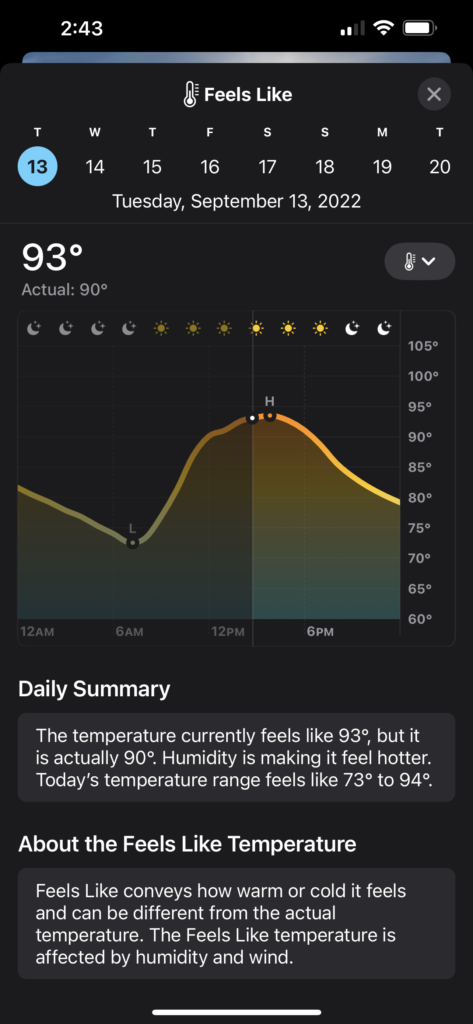
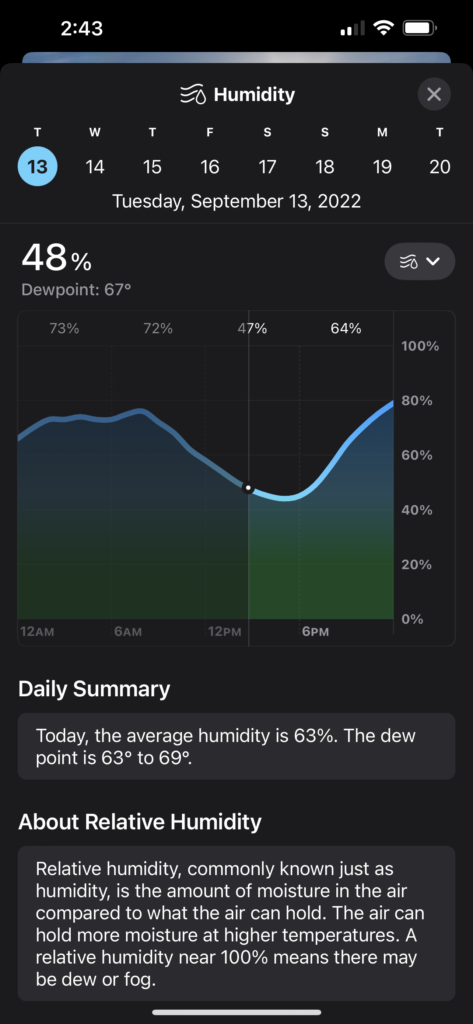
If you’re an iPhone user who downloaded and installed iOS 16 after its release on Monday, take some time from learning to configure those nifty customizable lock screens and tap on the included Weather app. On the surface, it looks a lot like the updated version introduced in iOS 15 – but below the surface is where the action is.
Tap any one of the cards on the main display – hourly or 10 day forecasts, humidity, air quality, UV index, wind, precipitaton and more – and you’ll get a screen with lots more information. Suddenly, the iOS Weather app is one of the best out there for climate data junkies.
But in order for iOS Weather to get this new life, something had to die. That’s Dark Sky, the hyperlocal weather app that Apple purchased in 2020. It will be shut down on Jan. 1, 2023.
The Dark Sky Company launched the app on iOS in 2012, then added an Android app. When Apple acquired Dark Sky, the Android version was killed shortly thereafter, and paid users of that platform were given full refunds. There is no indication recent buyers of the $3.99 iOS app will get their money back.
At least one user, who replied to a Tweet about Dark Sky’s impending demise, expressed annoyance because she had paid for it twice, including a few months ago.
Am I the only sucker who has paid for Dark Sky twice now (once for my Android, then again just a few months ago for iPhone) and its being 86d yet again? @Apple KNEW they were going to get rid and still took my money. pic.twitter.com/ynw2mmE5uQ
Dark Sky also built an API for its weather data, and charged other developers to tap into it. That API is also going away, along with the excellent Dark Sky website, shutting down on March 31, 2023. The API is being replaced by WeatherKit, an Apple weather service which will cost less than Dark Sky’s did, and offer developers 500,000 API calls per month before charging.
While the iOS Weather app is beautiful, and the depth of data very impressive, I’ll still miss Dark Sky app and the web page. The app’s interface was nowhere near as gorgeous as Apple’s, but it was simpler and I think clearer in some instances.
It’s hard to believe that Dark Sky has been around for a decade. I first discovered it in late 2013, when a friend using it told me it was about to rain, and a few minutes later the sky opened up in a downpour. I happily forked over my $3.99 and have been a fan ever since.
One of the features that Apple has finally brought over from the original app is the one that originally sold me: weather alerts for your current location. I’m hoping over time I’ll come to love the iOS Weather app as much as I do the original Dark Sky. A few predicted downpours oughta do it.
Anyone who reads my columns regularly knows that I’m a die-hard iPhone user. Over the years, I’ve flirted with Android (and even Windows Phone!) from time to time. But at this point I’m neck-deep in Apple’s ecosystem lock-in, and as far as I’m concerned, the water’s fine.
That said, I do enjoy playing with and reviewing Android devices, even if they are not my platform of choice. But I always feel like I don’t really know enough about Google’s mobile operating system. I want to fix that.
I’m buying an Android phone. While I regularly get review units from both carriers and phone manufacturers, I want one that I can call my own – a device I can customize, modify and hack if I want to. And one that I can use to track the changes in Android over multiple version updates.
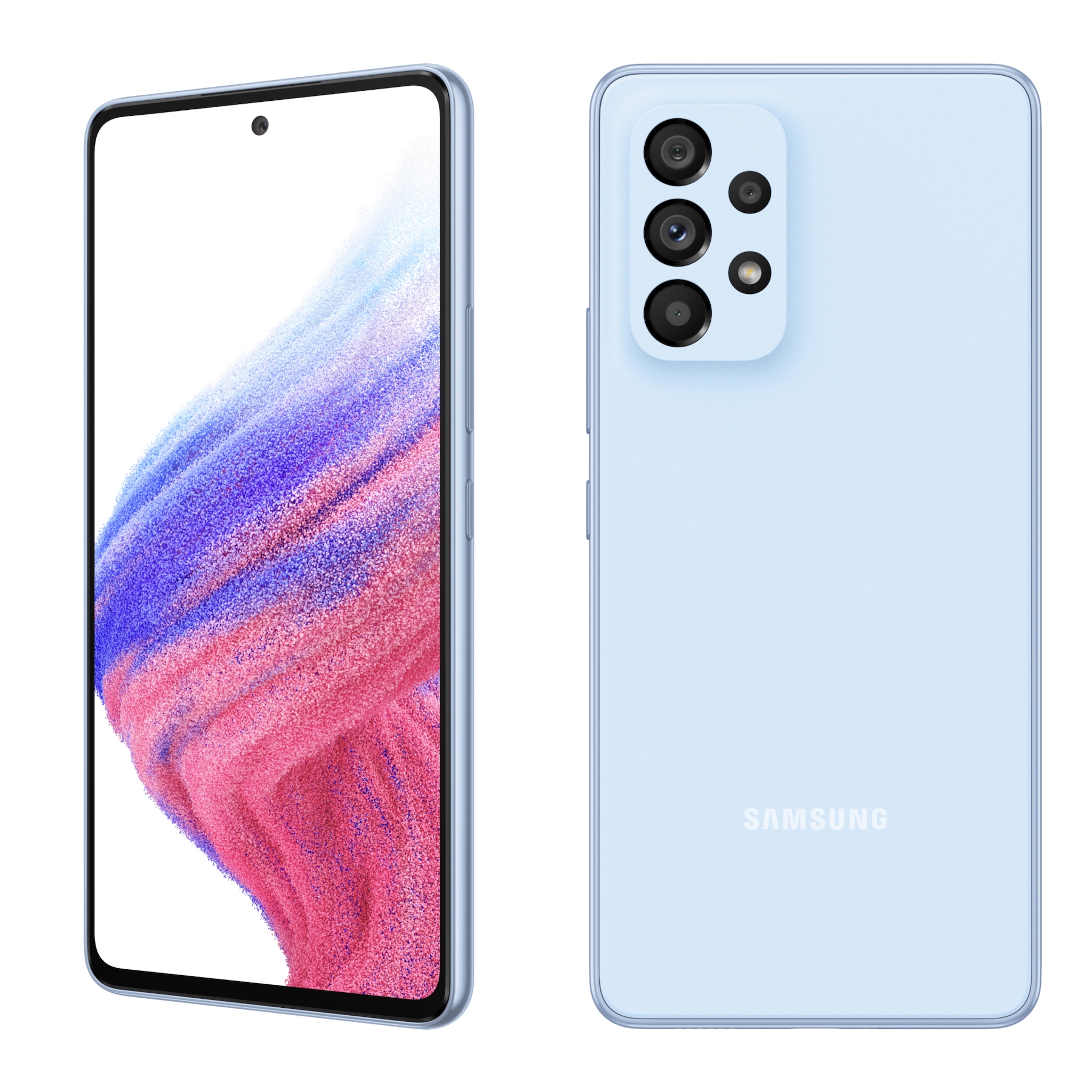
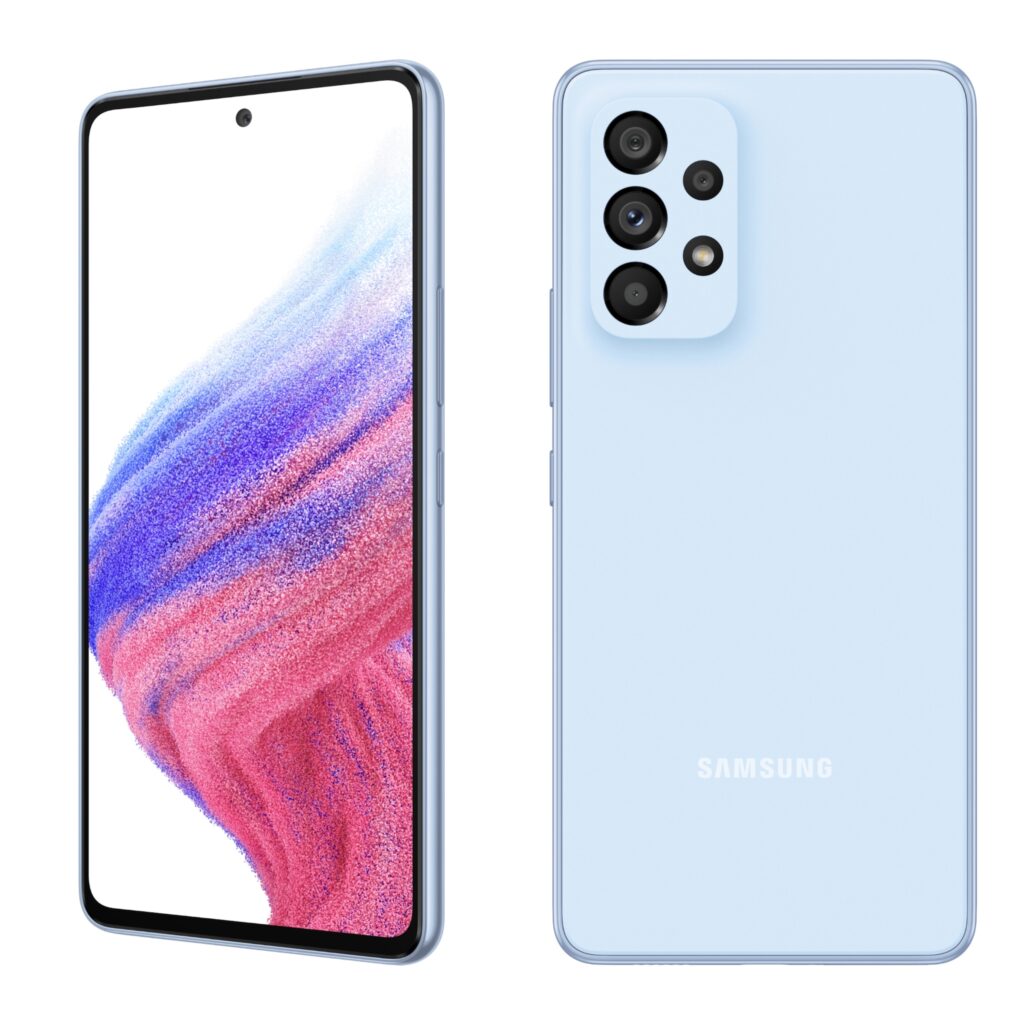
A contender: The Samsung A53 5G. Are you my Android phone?
I have my choices narrowed to two or three candidates, but there drawbacks to each that give me pause. So, I’d like your help.
Here’s my criteria:
It needs to get Android updates over at least three years. While no Android phone matches Apple in terms of OS support over time, several brands come close.
I want a new phone, not one from a year or two back. Since this will be used to watch the development of the platform, it needs to be up-to-date in terms of hardware.
This will not be my daily driver, though I’ll test networks using pre-paid SIMs. As such, I don’t want to pay a lot for a top-of-the-line device. At the same time, I don’t want a phone that’s so cheap that it’s a rehash of last year’s tech. My budget runs between $500 and $800-$900.
Ideally, I want as “pure” an Android installation as I can get, BUT … I also know that’s not what most people have. So, I’m willing to consider devices that have a tweaked interface or skin.
It needs to be unlocked; I want to be able to test different carriers’ networks.
Here are the smartphones on my shortlist:
Samsung A53 5G – At the higher end of Samsung’s mid-range line of phones, it’s got a decent camera system and display, good battery life and a responsive processor. It’s storage is expandable with an microSD card. It lists for $450, which is a great price. It will get four years of OS updates. But, it doesn’t have wireless charging, and Samsung’s skin makes significant changes to Android. It also has a notorious amount of crapware on it, some of which can’t be removed.
Samsung Galaxy S22 – Ideally, I really want the S22+, as I prefer larger-screen devices. But the bigger phone is $1,000 compared to the S22’s $800. Other than screen size, the two devices are very similar – high-end devices with Qualcomm’s latest processor, wireless charging and an excellent camera system. But does have the Samsung crapware burden and the tweaked OS. While it will get OS updates, it won’t get them as quickly as other brands, particularly Google’s Pixel line.
Google Pixel 6 Pro – This is probably the top contender for my dollars at the moment. While its $899 price tag is at my budget’s limit, it ticks most of my checkboxes: Large screen, great display, excellent camera system, three years of Android updates and as pure an Android installation as you can get, with updates that come as soon as a new version is released. However, as is often the case with Pixel phones, quick updates also mean owners are beta testers. Early versions of Android are notoriously buggy, and Pixel owners sometimes lose features until the issues surrounding them are fixed. This Android Authority writer plans to ditch his Pixel 6 Pro because of connectivity issues, for example. Update: However, I liked it when I reviewed it last year.
Google Pixel 6a – Even though this is a smaller phone, with a 6.1-inch display, I’m intrigued by the great reviews it’s gotten. And given that its release comes well after that of the Pixel 6 line, it may not have some of the issues in its bigger and more expensive devices. At $449, it’s a solid competitor to the Samsung A53. But it is still a smaller phone, and with a plastic back, it doesn’t support wireless charging. The camera system is less capable than the 6 Pro, and it only has 6 GB of RAM compared to 8 on the Pro.
As I said, the Pixel 6 Pro is the leading contender, followed by the A53. The S22 still feels a little too expensive, and the 6a is something of an unknown – how it will do over time has yet to be determined. I love the idea of pure Android on the Pixel phones, but most Android owners in the U.S. have Samsung devices, so there is something to be said for keeping an eye on their experience.
If you’re an Android user, which would you recommend? And if you have any suggestions for other devices that meet my criteria and work on all U.S. carriers, please let me know. Leave a comment here, or reply on Twitter or Facebook.
As do a lot of cable internet customers, I dread each year the moment when the promotional price for my service expires. What was once a decent price evaporates, leaving an inflated number, and it’s time to make that call or do that chat and negotiate the coming year’s bill.
This year was different. For one thing, I last grappled with a Comcast rep in 2020 over their monthly vig, having agreed to a two-year deal in 2020 to pay $70 a month for the company’s gigabit service. As far as internet-bill angst goes, 2021 was peaceful.
But this time around, when $70 a month threatened to become more than $100 a month, the process was different. I didn’t interact with a rep, either by voice or chat. Instead, I opened the Xfinity My Account iPhone app, tapped a few links and buttons, and then my bill was $60 a month. I’m no longer getting the company’s 1.2-Gbps-downloads service, but close enough to it. And in reality, I never achieved the plan’s full gigabit speeds, except when I reviewed Comcast’s newest xFi gateway, the XB8.
More on that in a minute.
Back in 2020, when it came time to negotiate my price, I was offered a deal that seemed too good to pass up. I was paying for 275-Mbps downloads, and the Comcast rep I talked to offered me the gigabit service for the same price for two years. I was contractually bound the first year, but could quit if I wanted in the second, but Comcast wouldn’t raise my rate until the two-year period was up. I bit, but in order to get those faster speeds, I needed faster equipment.
I use my own network gear with Comcast, and my cable modem and router back then weren’t up to the task. I wound up replacing both, and it cost me dearly. As I wrote at the time, it would take me 32 months to recover the benefits of not paying Comcast’s $14-a-month rent for its own modem/router combo.
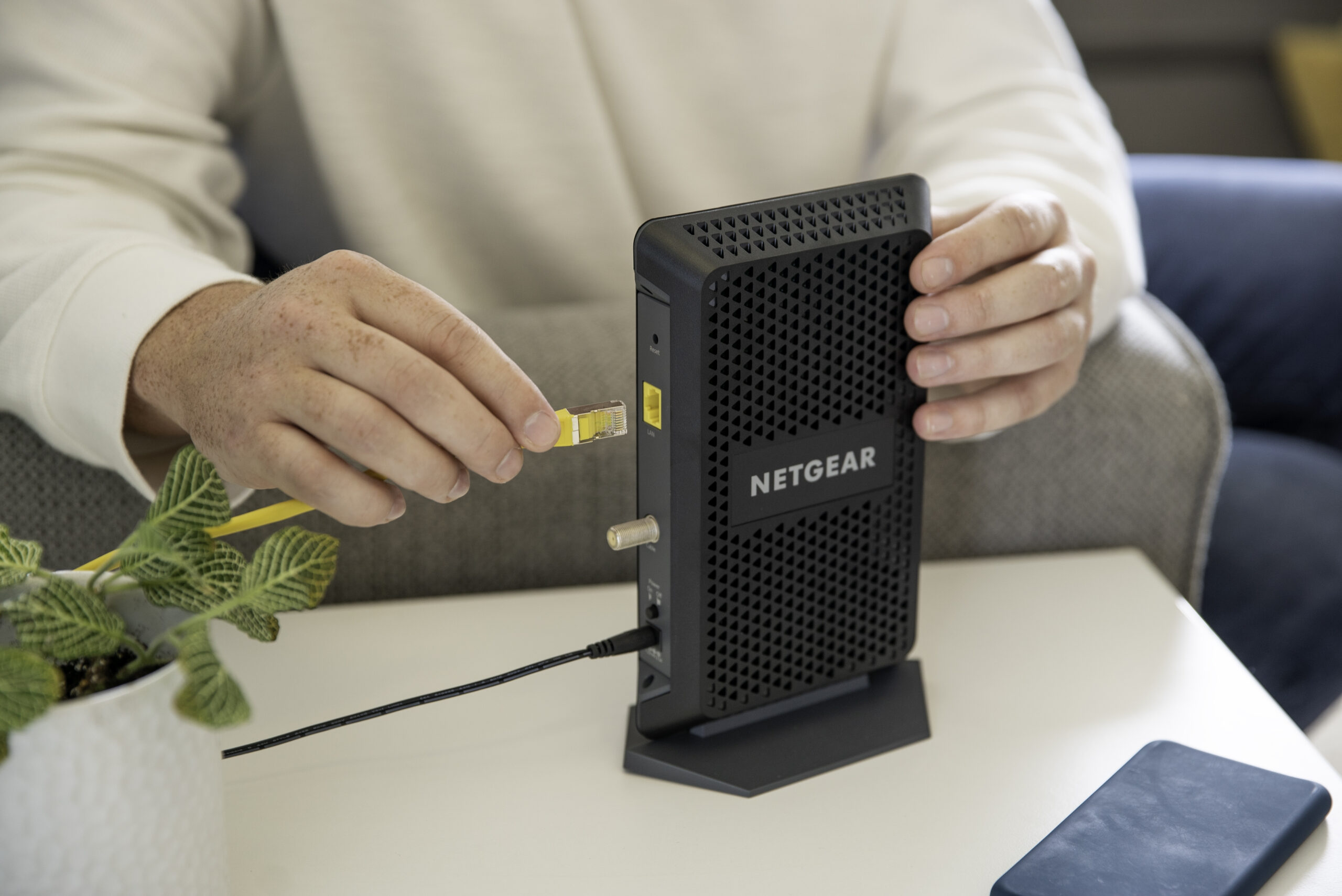
What I bought was a TP-Link AX6000 router and a Netgear CM1000 cable modem. As I said, I never was able to get the full gigabit service with this hardware, despite the CM1000 being a DOCSIS 3.1 modem. But not all 3.1 hardware is equal, and the best I could do in speed tests directly from the modem to the router were just over 800 Mbps, usually more in the 700 Mbps range. That said, our need for speed is not that high. We stream TV shows and movies; I’m fond of downloading multi-gigabyte operating systems; and my wife’s remote psychotherapy business involves lots of teleconferencing. We could easily get by with much, much slower download speeds.
But one of the main reasons I wanted Comcast’s gigabit tier was for its upload speeds. The cable provider is notoriously chincy when it comes to its upstream service – which, to be fair, is partly a limitation of the current DOCSIS standard and will be fixed in DOCSIS 4.0 – and you have to approach or adopt the gig-speed tiers to get decent uploads. Comcast’s 1.2-Gbps service gets you 35-Mbps uploads; for the 900-Mbps tier, it’s 20 Mpbs up. (Even more annoying: Comcast hides the upload speed when you’re shopping for service.)
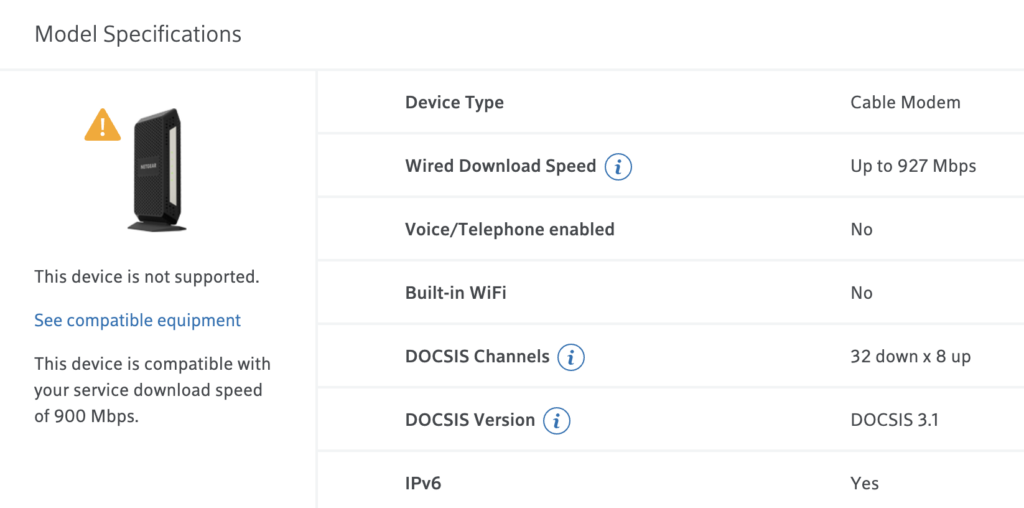
As I knew that my promotional period was soon coming to a close, I started looking at Comcast’s other plans, figuring I’d drop down a notch or two to save money. That’s when I saw on my account page that my CM1000 cable modem was now labeled as “not supported”. There was no explanation as to what that meant, and the modem was working just fine. I contacted Comcast and was told by a support rep that the modem was no longer getting firmware updates, and that it didn’t support the company’s higher-speed tiers.
“It’s not going to quit working, you can keep using it,” he told me.
What was supported is no longer. Did I really need to replace this rock-solid cable modem?
I’m the kind of user who likes to keep my hardware’s code up to date, and since unpatched vulnerabilities so not getting firmware updates was concerning. What I didn’t pay attention to was his second explanation: that it didn’t support higher-speed tiers, because he didn’t say explicitly that the CM1000 couldn’t support the 1.2-Gbps tier I was paying for.
This notation made me decide to replace my cable modem. I also was beginning to question the conventional wisdom that you an save money in the long term by owning your own router and modem, versus renting a gateway from Comcast. That might still be true at slower tiers, where lower-cost modems and routers would be paid off quickly, but once you are subscribing to the gigabit tiers, the cost of equipment jumps. It might actually be better to go with Comcast’s gateway in that instance, given that it could literally take years to recoup third-party equipment costs.
That’s when I decided to ask Comcast if I could review the XB8, the company’s latest xFi gateway. It’s big selling point, besides supporting multi-gigabit speeds, is that it supports WiFi 6E, which provides a third radio band as an expansion of WiFi 6. If you’ve got a device that can talk to its 6-GHz band, the result is dramatic. As I wrote in my review, a Samsung Galaxy S22+, which works with 6E, had download speeds of as much as 1.3 Gbps – essentially, the full throughput for Comcast’s 1.2-Gbps service. (If the stars align, Comcast’s tested speeds often exceed their tier’s top speeds.)
I might have indeed made the leap to renting the XB8 for $14 a month if it hadn’t been for two showstopper bugs. The gateway really wants its users to have just one network work name and it will sort out what devices work best on which band – 2.4, 5 or 6 GHz. But because of the way my home network is configured, I needed them to be separated. Unfortunately, when I configured it that way, the 5- and 6-GHz bands would occasionally vanish, leaving the anemic 2.4-GHz signal.
And my one of my wife’s computers, a Microsoft Surface Pro 5, was unable to connect to the 5-GHz band, even though it worked just fine on other routers. A Comcast rep said this was a known issue with this particular PC. But it meant that I could not set the gateway to one SSID, ever. Despite its speed and advanced tech, the XB8 just didn’t work for me, and I returned it when I was done with the review, rather than start renting it. (Comcast is working on a fix for the split-network bug, but at this writing it has not yet been released.)
I then wound up buying a new cable modem, a Motorola MB8611, which is capable of multi-gig speeds, for about $180. I also went through the process I outlined above of dropping back to Comcast’s 900 Mbps down, 20 Mbps up service for $60 a month, saving $10 a month off my bill. Unfortunately, the MB8611 was not reliable, spontaneously rebooting, sometimes several times a day. I’d seen other users complaining on this on forums and Amazon product reviews, but I figured I’d give it a shot. I was not immune to this problem, and ended up returning it to Best Buy.
I went back to using my unsupported CM1000. I’m getting about the same speeds as I was before all this started, and the modem is rock-solid and reliable. I’ve owned it and the TP-Link router for about two years, so I’ve got another eight months before the hardware has paid for itself. Lack of firmware updates may result in problems in the future, but so far I’m happy. But it may be a long time before I invest in my own modem and router again.
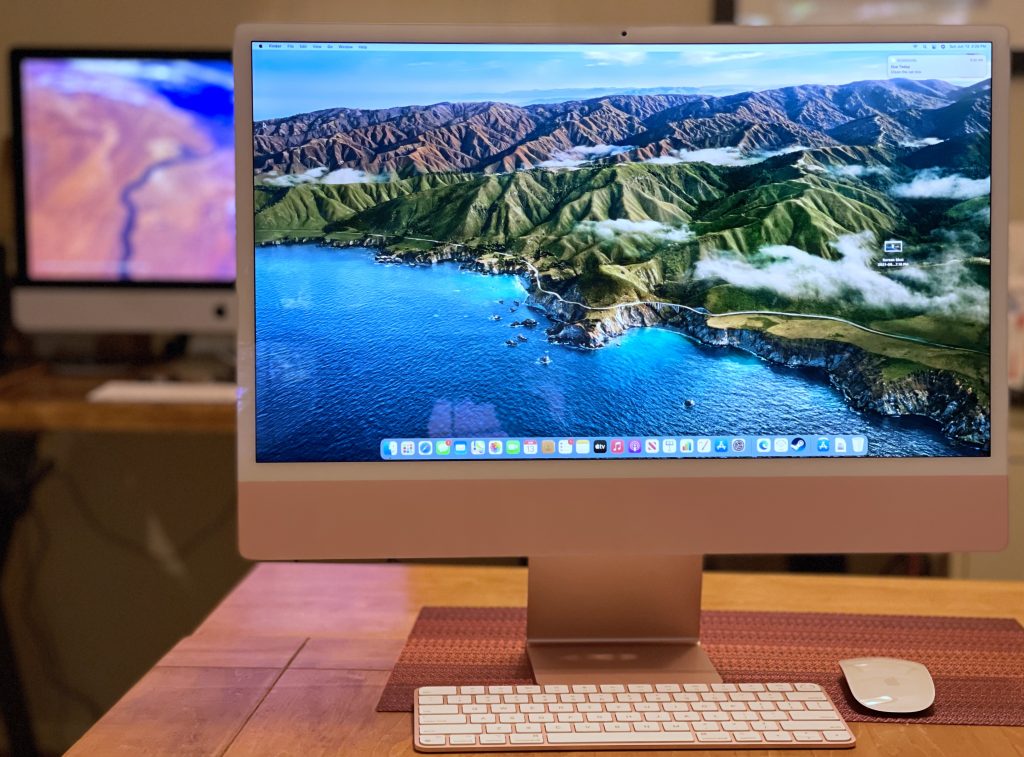
Apple’s 24-inch, M1-based iMac, with my beloved 27-inch, 2020 model in the background. Still no buyer’s remorse. (Dwight Silverman photo)
When my 2012 Mac mini fell off the compatibility list for Apple’s latest macOS update in 2020, I was confronted with a choice. I typically replace my Macs when they won’t get new updates, so it became time to say goodbye to this desktop workhorse. But at the same time, Apple announced at its Worldwide Developers Conference that year that the company would be moving to Macs built around its own processors, dubbed Apple Silicon.
While Intel-based Macs would continue to be sold, they were clearly the past, and Apple’s own chips were its future. The transition would take two years, and there was no guarantee which models would appear when. Still, I needed to make a decision now.
I wound up buying a 27-inch Intel iMac. Despite its transition away from Intel, Apple introduced an upgraded version of this design, which had been around forever. As I wrote in a review shortly after my purchase, it’s an incredibly powerful machine. I was happy . . . and still am.
But.
The introduction of the lower-end, smaller, 24-inch iMac with Apple’s own M1 processor last year showed the potential of this new platform. And it made me think . . . will I have buyer’s remorse once a larger-screen version of this iMac inevitably appears?
With the publishing today of Bloomberg Apple-beat reporter Mark Gurman’s latest Power On newsletter, I know the answer: No.
At least, not for a while.
Gurman, who’s got a good track record when it comes to Apple intelligence, lays out the company’s roadmap for updated Macs:
A new Mac mini with an M1 Pro chip
A 13-inch MacBook Pro with an M2 chip, to succeed the 2020 model and sit below the 14-inch and 16-inch MacBook Pro in the line
A Mac mini with an M2 chip
A 24-inch iMac with an M2 chip
A redesigned MacBook Air with an M2 chip
A larger iMac Pro with M1 Pro and M1 Max chip options [my emphasis]
A half-sized Mac Pro, the first with Apple Silicon, with the equivalent of either two or four M1 Max chips
If he’s correct – and with leaks, that’s always a big IF – then the next iMac with a larger screen is likely to be branded as an iMac Pro. The previous iMac Pro, which was discontinued last year, was incredibly powerful and incredibly expensive. In the subscriber-only version of his newsletter, Gurman also predicts that a lower-end, big-screen iMac is likely not coming soon.
That means the 27-inch iMac I purchased in 2020 is going to end as an even better buy. And I say that relatively, because this computer is not cheap. It starts at $1,800; the model I purchased was $2,400, not including Apple Care and taxes. I bet slapping the “Pro” label on the next version will add at least $1,000 to the price.
I would not be surprised if Apple continues to sell the 2020 27-inch iMac even after the release of a new iMac Pro, as it continued to sell the last Intel version of the MacBook Pro after the release of its first M1 laptops. The Intel model wasn’t laid to rest until the M1 Pro and Max versions were available.
Of course, all this remains speculative. It’s only rumor and vapor until it’s real. But for now, I remain comfortable with the choice I made.
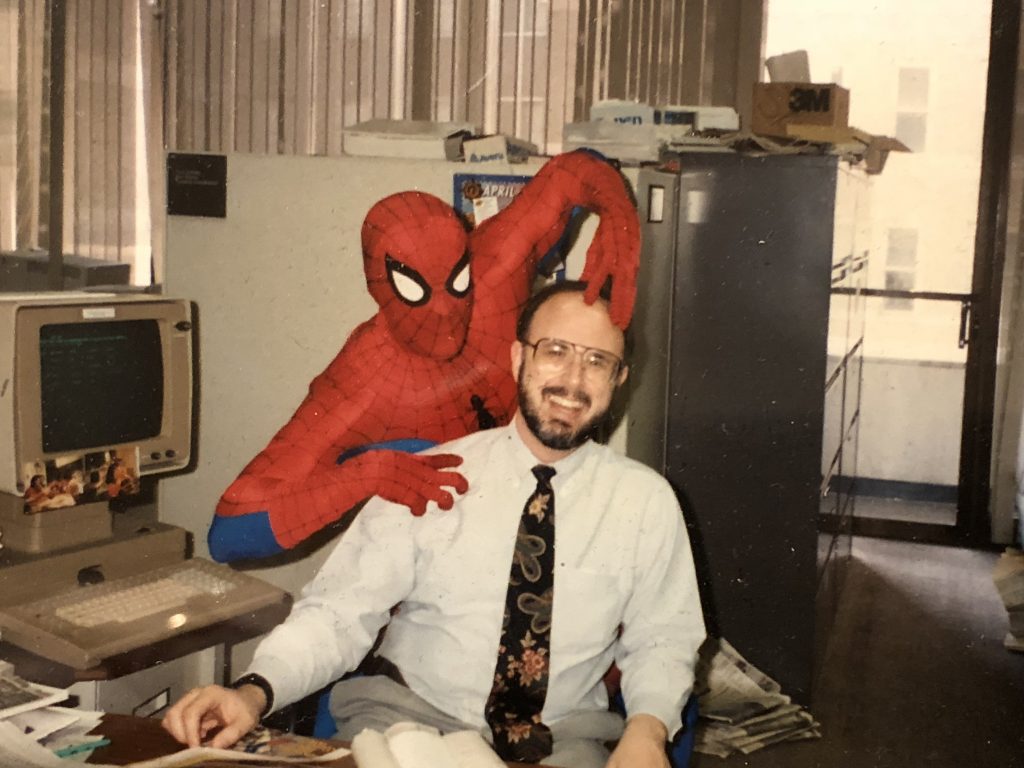
Spider-man trying to give me more hair in the downtown Houston Chronicle newsroom, sometime in the early 1990s.
Who is the most popular fictional character of all time? And how do you measure that popularity?
Gene Park, who writes about video games and game culture for the Washington Post, said on Twitter that it’s “arguably” Spider-man. I replied, asking him what he based that on, and suggesting it maybe it’s James Bond, given the books and the longevity of that film franchise.
“Spider-Man is arguably the most popular fictional character ever.”
Based on what?
You could probably argue James Bond is more popular, given the books and a much longer time span for films.
Now, neither of us had done any research, and I was just throwing Bond out there as an example. But I apparently stepped on a fanboy landmine in the Spidey metaverse, because I got attacked eight ways from Sunday for daring to suggest that Spider-man might not be the most popular fictional character ever.
My favorite insult: “…where do you come from, the 80s?” I replied: “Technically, I ‘come from’ the ’50s.” There was no response.
But this got me thinking: Who indeed is the most popular fictional character? How would you determine it? Sales of books, games and movie tickets? TV viewership? Or is it better to choose something more esoteric?
Atheists among us could point to religious figures – if you don’t think Jesus really existed, does that make him the most popular fictional character?
And, given the season, what about Santa Claus?
If you just use box office as the measure, standalone Spider-man films barely beat out Bond films (though the numbers I saw predate the 2021 Spidey and Bond movies), but that doesn’t include Marvel Cinematic Universe films in which he appears. The No. 1 box office character is Harry Potter, it turns out.
But that’s a fairly narrow measure. I think you have to determine the relevant measure before you come up with the answer to the question. So, I will ask you: Who do YOU think is the most popular fictional character of all time? And what’s the data that supports your answer?